For a Kannada message, start with the writing task rather than an accuracy claim. Open Kannada voice typing, sign up or sign in, and record in the workspace. The public Kannada page explains the workflow; it has no recording microphone.
Kannada Speech to Text: Script Choices and Work Notes
· 2 min read · Baani AI
Choose the script before speaking
Select Kannada for Kannada-script output. Spoken English words and sentences are intended to stay in English. Separate Roman Kannada and mixed-script options are not offered. Check the saved language before recording; changing the language does not translate an existing draft.
Finish one work-message draft
- Confirm your allowance and activate the trial if required. Allow the browser microphone.
- Say the context, request and intended date in one short message. Include the English project name only where it belongs.
- Stop recording and wait for the editable result. Check names, project identifiers, dates and negative wording.
- Use optional cleanup only after checking the raw transcript, then review its changes too.
- Copy into the intended conversation or document. Verify the recipient and send it yourself.
This task outline is illustrative, not a measured Kannada transcript. We do not claim a measured dialect or city-specific recognition advantage. Use your own familiar wording and review it yourself; no new unreviewed Kannada sample is presented here.
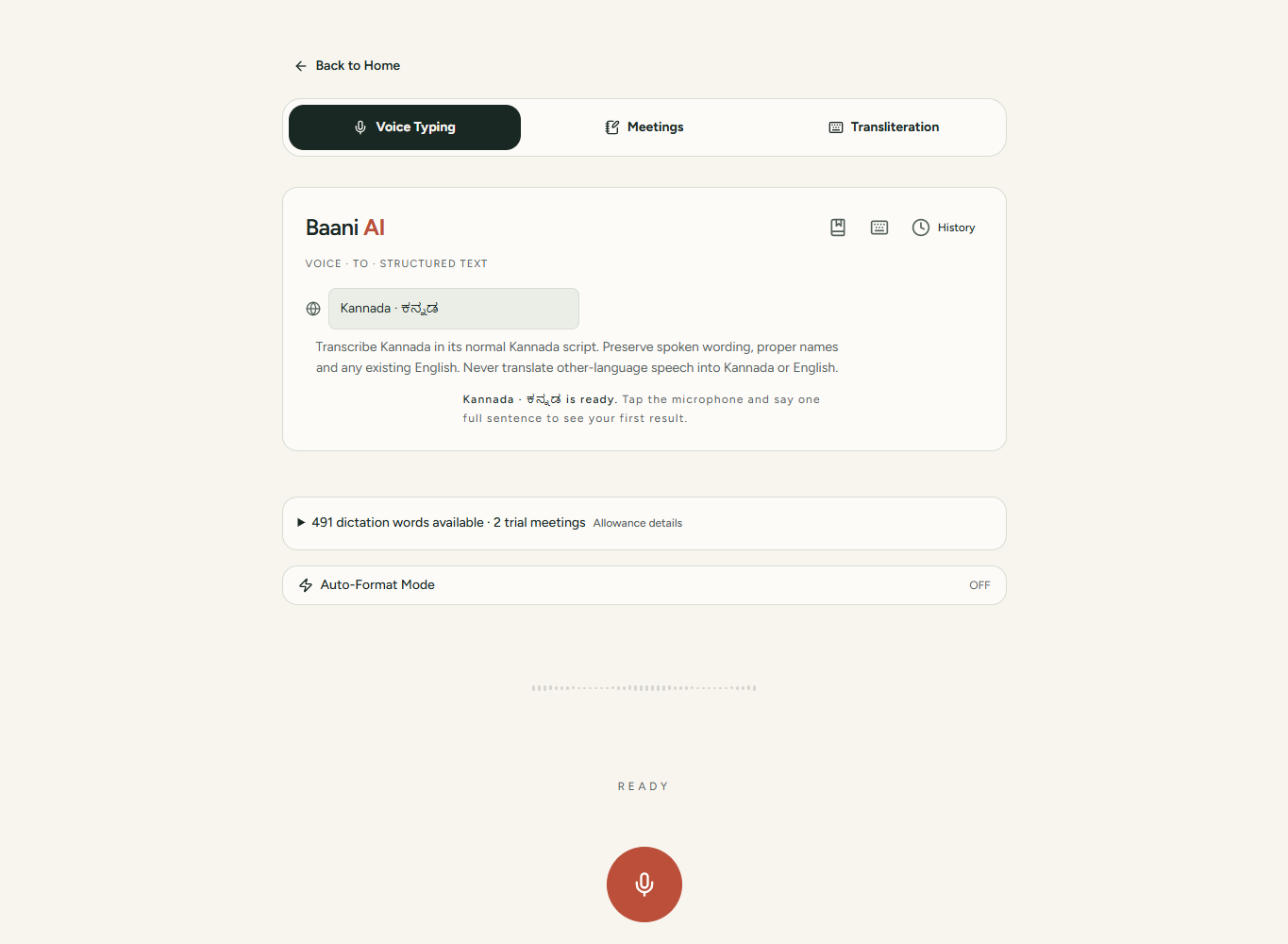
Interface screenshot from a controlled test account, not a transcription benchmark. Select your own language and output mode before recording.
Phone and desktop handoff
Mobile web uses record → review → copy/share. Windows desktop offers shortcut dictation into supported writable fields. Mac builds remain previews, with permission and insertion limitations. If insertion fails, copy the existing draft instead of spending words on a duplicate recording. Internet is required.
Diagnose the actual problem
If recording does not start, check browser permission, operating-system input permission and the selected microphone separately. If text uses the wrong script, check the output mode before recording again. If only local speech is captured in a meeting, Kannada mode cannot restore absent remote audio: use meeting uploads.
Continue the task
Read the Kannada notes workflow, microphone recovery guide or Google Docs workflow. The 2-day trial includes 500 dictation words and two separate meetings up to 20 minutes each. Compare offers; the ₹99 pack is for occasional dictation, not meetings or advanced formatting.
Speak one message. Review it. Use it.
Sign in and speak a short sentence. The 2-day trial includes 500 dictation words, separate from its meeting allowance.
Review the result before sending it. Your existing trial or paid plan limits apply.
Which offer fits this task?
Occasional messages and notes: ₹99 for 5,000 dictation words. No expiry; repeat purchases allowed. Excludes meetings and advanced formatting.
Regular dictation starts at ₹199 for 30 days. Pro and Ultra add advanced formatting. Compare subscriptions.
Pay by UPI, submit the transaction ID and wait for manual verification before access is activated. A pending submission is not paid access.