A sales-call recap should separate the customer's needs from promises your team actually made. Use this template after reviewing consented notes or a recording. An AI summary is a draft, not evidence that a customer accepted an offer.
Sales Call Summary Template: Requirements, Decisions and Follow-Up
· 1 min read · Baani AI
Copy the template
- Call: date, participants and purpose.
- Requirements: the customer's stated problem and constraints.
- Facts to verify: amounts, product terms and dates.
- Decisions: explicit agreements and conditions.
- Follow-up: task, confirmed owner and due date.
- Open questions: unresolved points and next contact.
Do not fill missing fields with guesses. “Owner not assigned” is more useful than a fabricated assignment.
A completed illustrative recap
Call: 28 October, supplier discussion. Requirement: a revised quotation separating transport charges. Decision: review the quotation before confirming an order. Follow-up: Meera sends the revised quotation by 29 October, 16:00 IST. Open question: availability for a partial delivery.
This is invented training material, not a customer story or an output benchmark. It deliberately avoids treating interest as purchase acceptance.
Extract facts from a recording
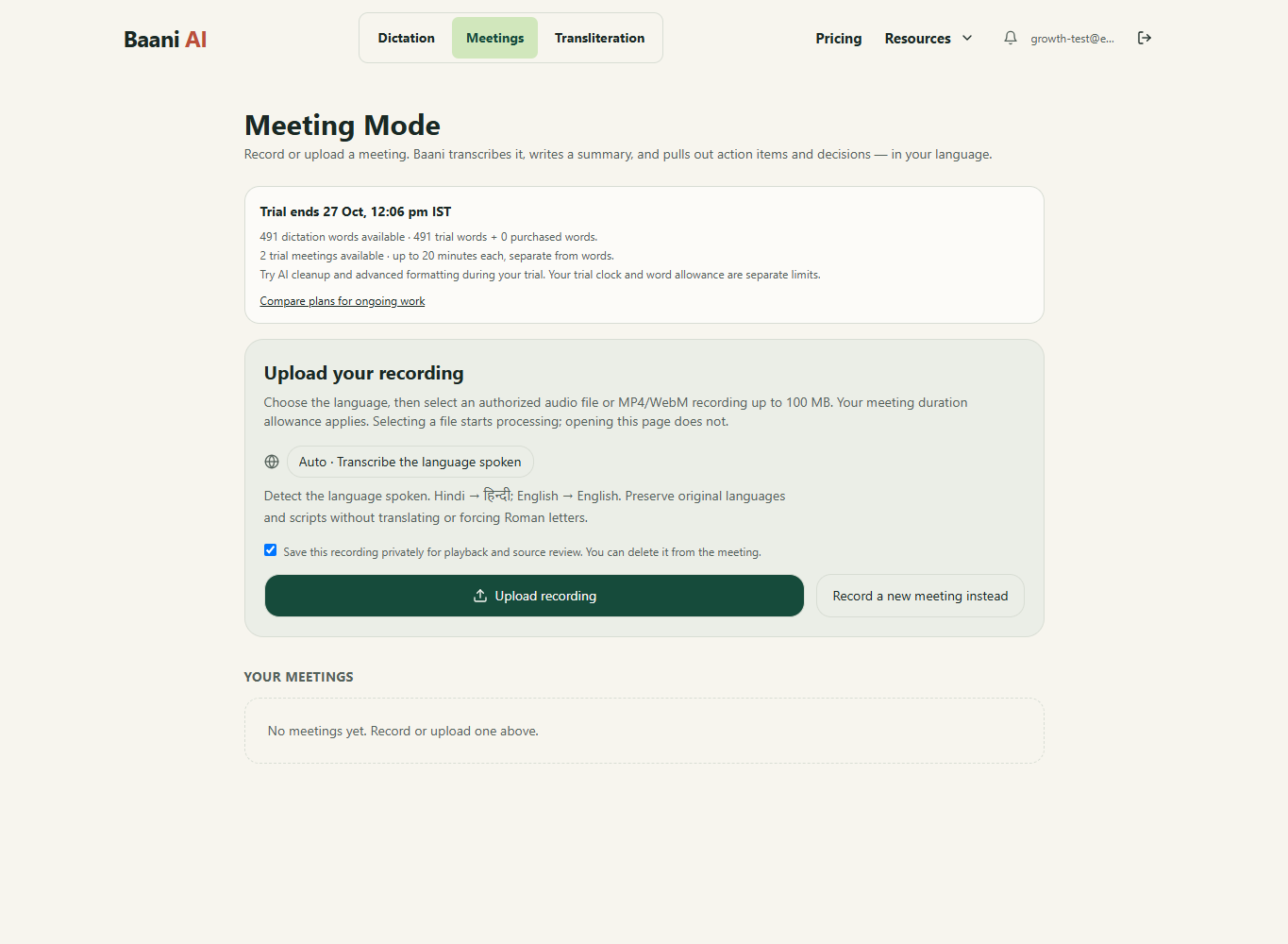
Open upload mode, choose the main language and select a supported recording containing both parties. Review the transcript for incomplete audio before generating or accepting notes. If only your voice was recorded, check the source; summarization cannot recreate the absent customer.
Separate commitments from suggestions
Compare each action against what was said. “We could send it next week” does not establish a firm deadline. Preserve approval conditions and verify relative dates against the call date. Confirm who owns each action rather than trusting an automatically suggested label.
Review owners and send manually
Use the follow-up email guide to prepare a reviewed message. Export or share manually; Baani does not claim an automatic CRM integration or email-sending service. The meeting plans apply to uploads; the ₹99 dictation pack does not include them.
Turn the recording into reviewed meeting notes
Sign in, choose an authorized recording and review its transcript, summary and action items. The 2-day trial includes 2 meetings of up to 20 minutes each; uploads use meeting access, not dictation words.
Review the result before sending it. Your existing trial or paid plan limits apply.
Which offer fits this task?
For recorded meetings, compare Starter: up to 60 minutes per recording; Pro: up to 90 minutes per recording; Ultra: up to 120 minutes per recording. The word pack does not include meetings. Compare meeting plans.
Pay by UPI, submit the transaction ID and wait for manual verification before access is activated. A pending submission is not paid access.