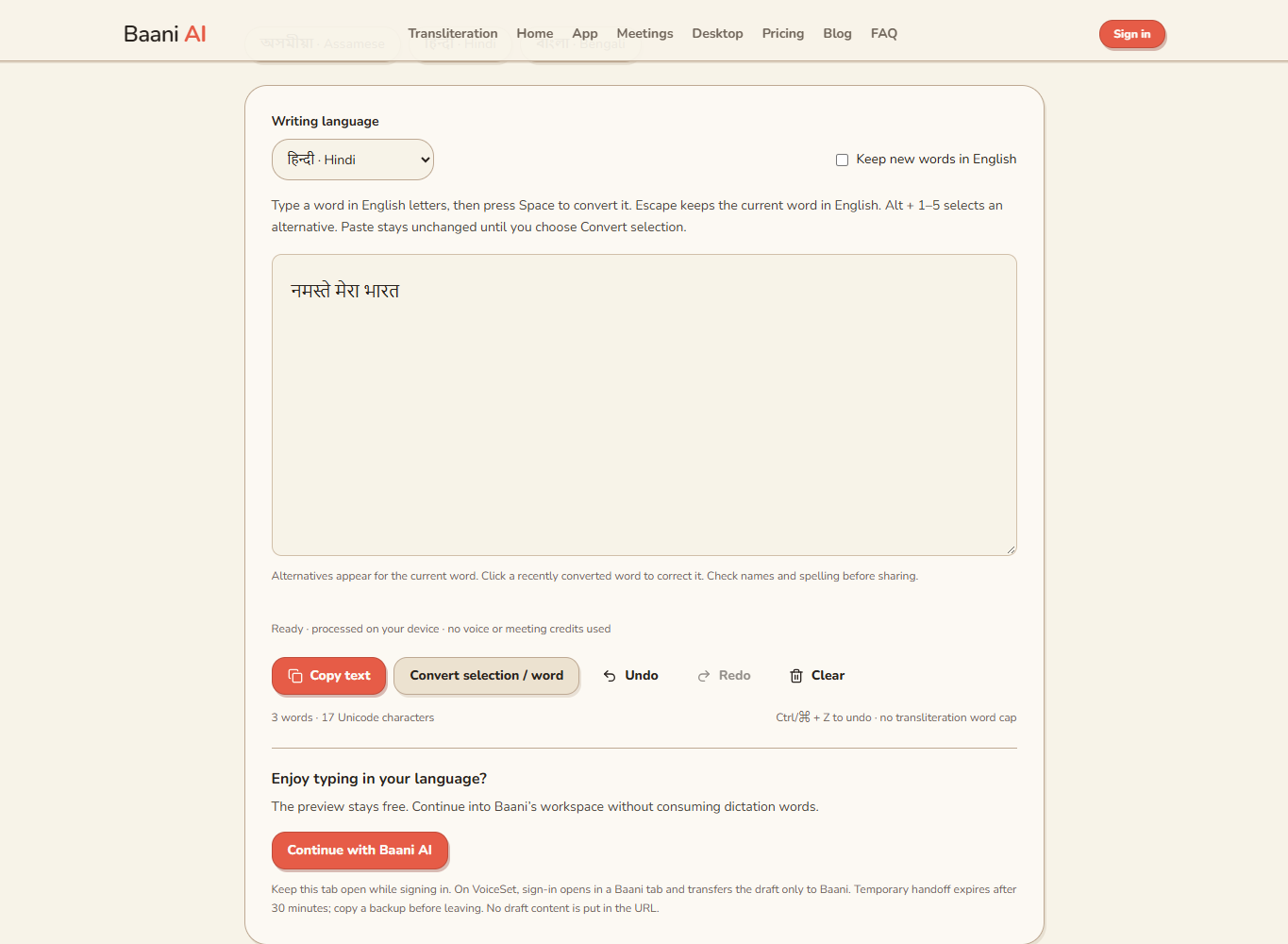
You can write Hindi without learning a new keyboard layout: type a Hindi word in Roman letters, review its Devanagari candidate, and press Space to continue. In Baani, namaste produces नमस्ते. This is phonetic typing, not English-to-Hindi translation, and it does not need a microphone.
Hindi Typing With an English Keyboard: A Practical Workflow
· 2 min read · Baani AI
Start with one real sentence
Open Hindi phonetic typing in a current browser. Click the writing area; the local model loads on first use, downloading about 29 MB of static files. Keep the page open while it loads. Type namaste and a space, then aaj and a space. Review each word before turning the exercise into your actual message.
Use a sentence you would otherwise type today: a greeting, a lesson note or a short update. Avoid starting with a page of unfamiliar names. Learning how to correct one candidate is more useful than generating a long draft you cannot confidently proofread.
Correct the spelling without starting again
- Click inside a recently converted word to see alternatives.
- Choose a visible suggestion, or use Alt plus its displayed number on a hardware keyboard.
- If none is suitable, edit the Hindi text directly or undo the conversion.
- Move the cursor back to the end and continue writing.
Roman Hindi is ambiguous: different people represent the same sound differently, and one spelling can suggest several words. The editor predicts words; it does not validate grammar or guarantee the spelling of a person’s name. See the Hindi proofreading guide for a concrete ambiguity check.
Keep English where it belongs
A message may need Hindi prose with an English product name, address or document title. Press Escape before committing a Roman word to retain it, or enable Keep new words in English for a longer English passage. Turn that control off before returning to Hindi. URLs, email addresses and numeric or code-like tokens are not ordinary conversion input.
Pasting does not silently rewrite a document. Paste a passage, select the Roman words you want changed, and choose Convert selection / word. Inspect the result before replacing a paragraph in your original document.
Copy and check in the destination
Copy the finished text into your document or message composer. Read the pasted version, including punctuation, line breaks and names. Do not send a test message just to inspect rendering; a draft is sufficient. Keep a copy before closing the browser because this workspace does not save a document to your account history.
When another input method is better
For long spoken drafts, Hindi voice typing may fit better. For typing directly inside many applications, an operating-system keyboard is a different option; Baani’s phonetic tool is a browser editor, not a system-wide keyboard. Its local conversion is free and separate from the 2-day voice trial and its 500 dictation words.
Turn your typed words into a draft
Type using English letters, review the script and copy. Free local conversion; no voice or meeting credits used.
No signup is needed to try typing. Review names and spellings before sharing.